Acer Laptops Trackpad Not Working: How to Fix It Yourself
A non-responsive trackpad on your Acer Laptop is usually caused by driver issues, a dirty surface, or a swollen battery pushing against the trackpad from underneath.
Tools Needed
Watch the Video
Video guide coming soon! Subscribe to our YouTube channel for repair walkthroughs.
Subscribe on YouTube⚠️ Safety First
- Disconnect power and remove the battery before inspecting internal components.
Before You Start
Parts You May Need
Step-by-Step Repair
- Step 1 of 51
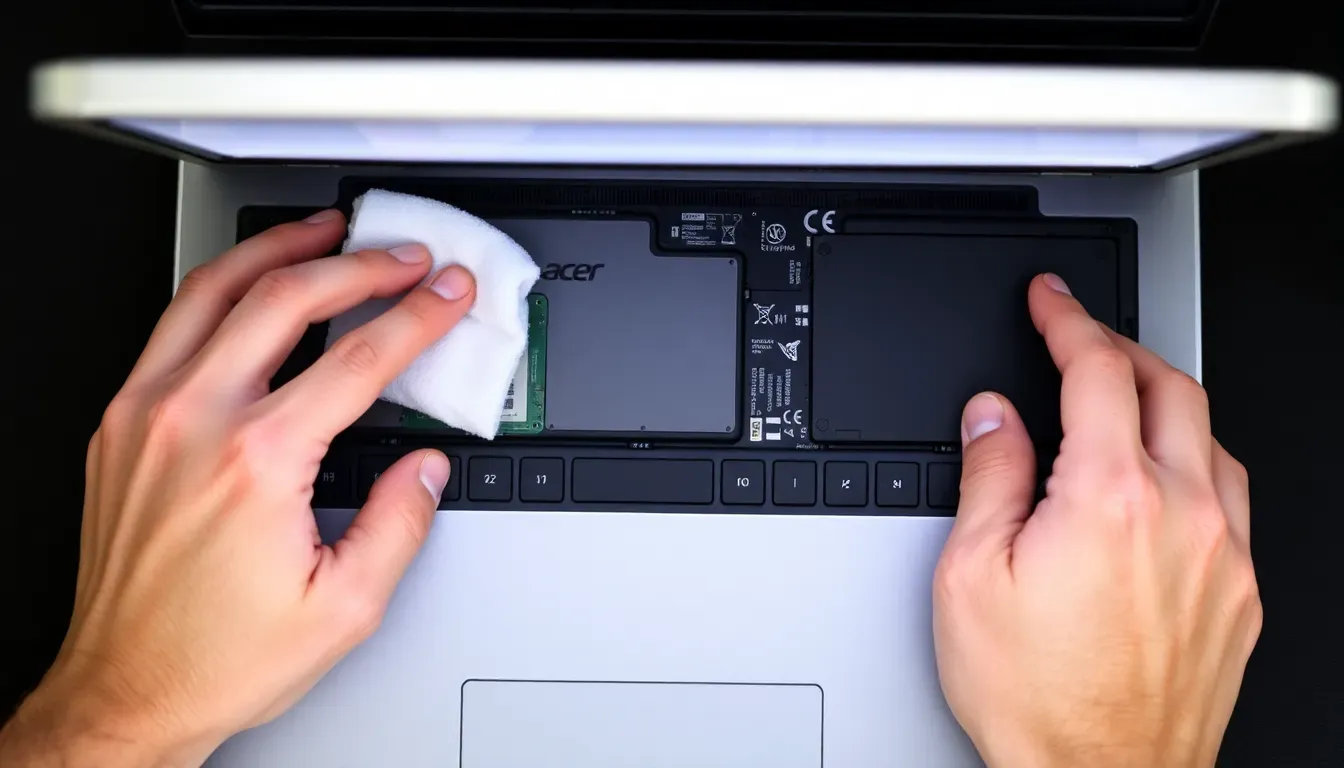
Clean the trackpad surface
Wipe the trackpad with a slightly damp microfiber cloth. Oils, lotion, and dirt can interfere with touch detection. Make sure your fingers are clean and dry too.
- Step 2 of 52
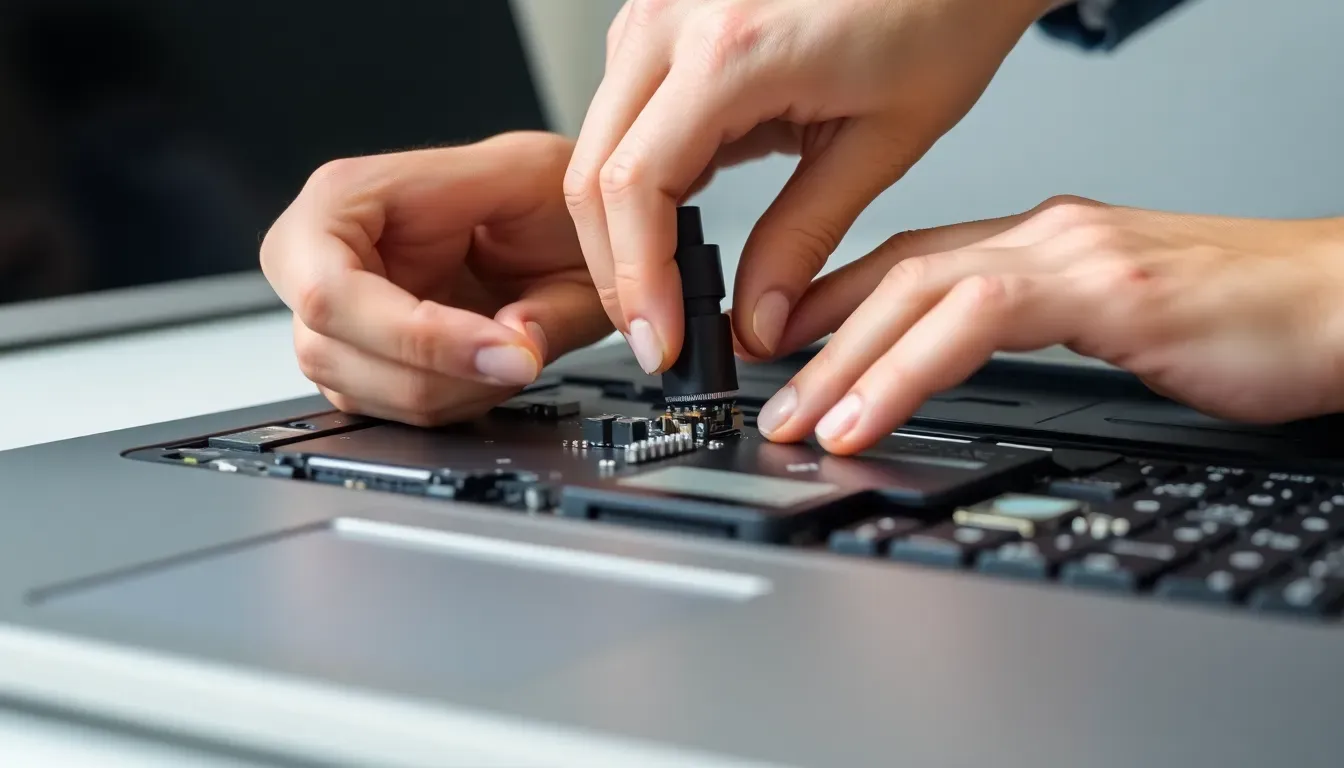
Check if the trackpad is disabled
Many laptops have a function key (Fn + F5/F6/F7) that toggles the trackpad on and off. You may have accidentally pressed it. Check the setting in your system preferences or control panel.
- Step 3 of 53
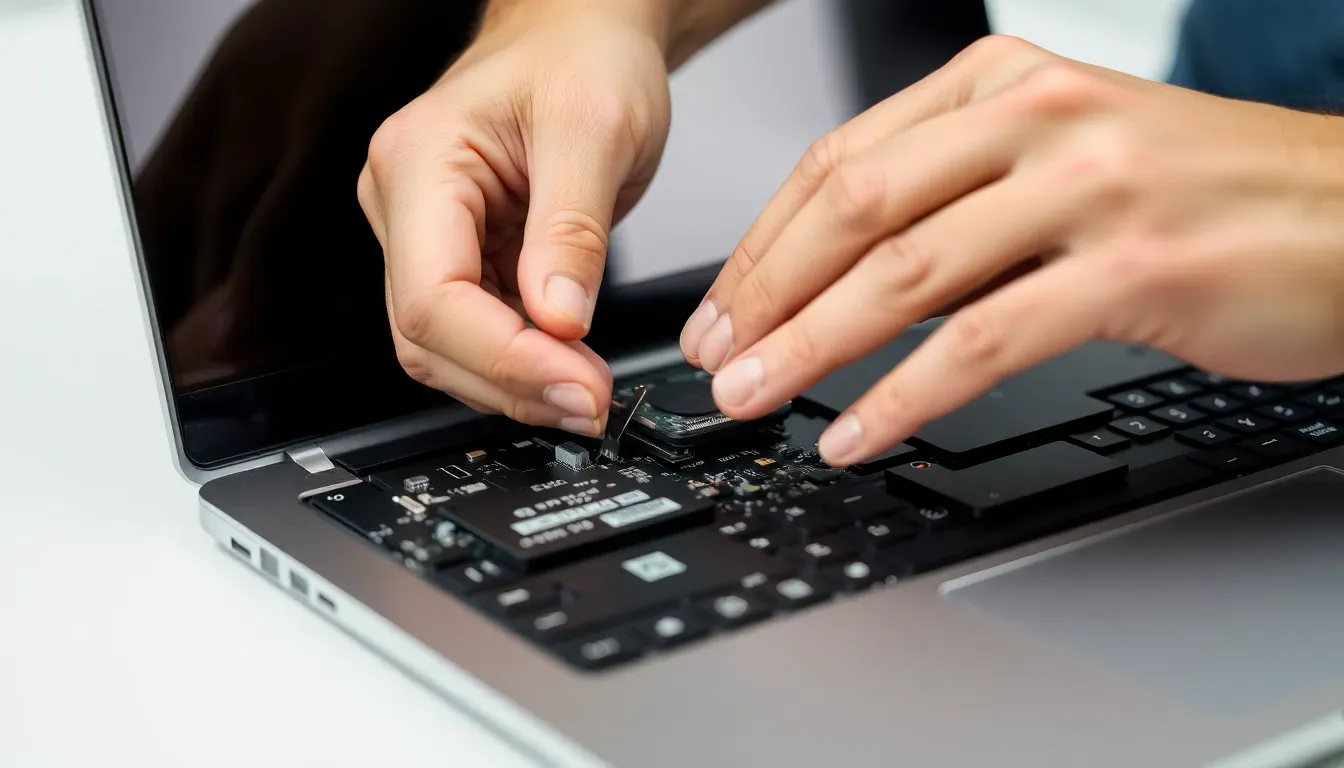
Update or reinstall drivers
Go to Device Manager > Mouse and pointing devices. Uninstall the trackpad driver, restart the laptop, and let it reinstall automatically. Also check the manufacturer's website for updated drivers.
- Step 4 of 54
Check for a swollen battery
If the trackpad is physically stiff or hard to click, the battery underneath may be swollen and pushing up. If the laptop bottom is bulging, stop using it immediately — a swollen battery is a safety hazard.

- Step 5 of 55
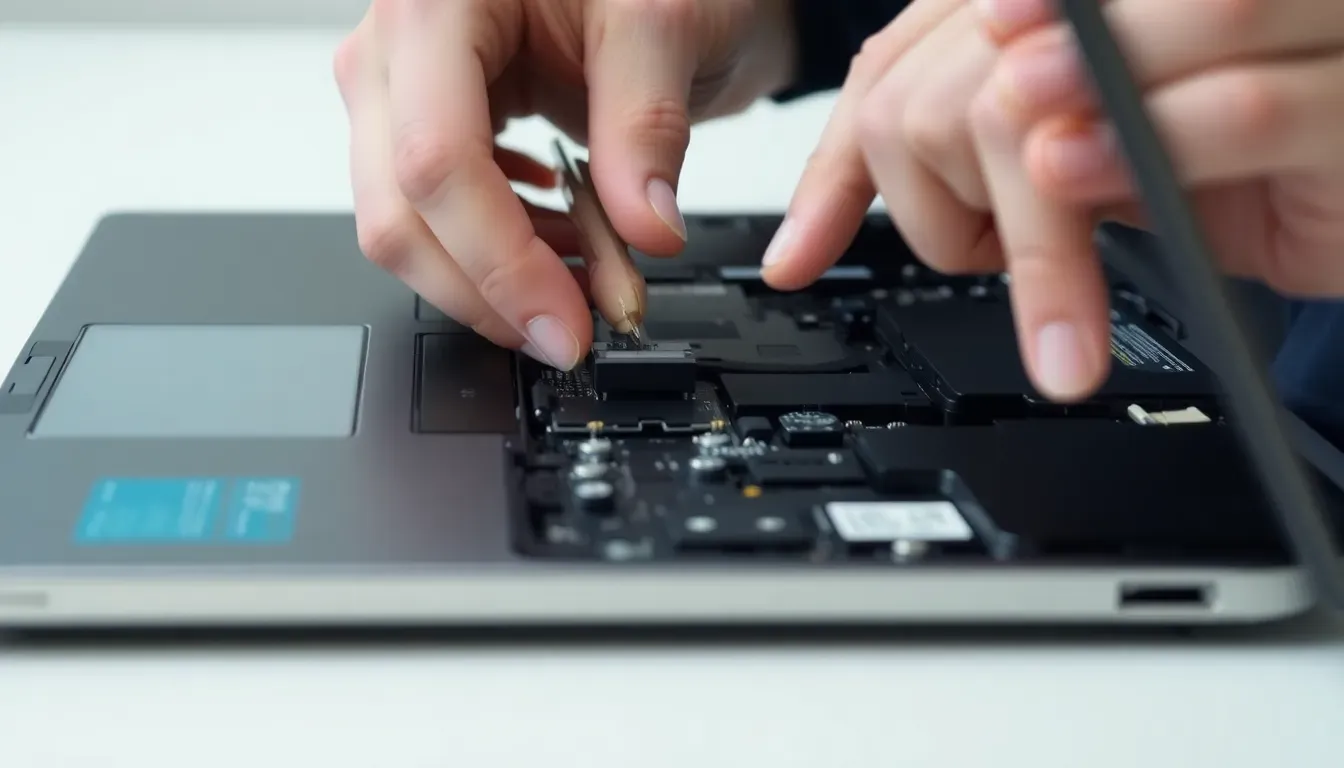
Try an external mouse
Connect a USB or Bluetooth mouse. If it works fine, the issue is specifically with the trackpad hardware or its connection. Check that a connected external mouse isn't automatically disabling the trackpad in settings.
You might also like:
If That Didn't Work
- Liquid spill damage under the trackpad
- Loose ribbon cable connecting trackpad to motherboard
- Accessibility settings like Sticky Keys interfering with trackpad
When to Call a Professional
If the trackpad is physically stiff (possible swollen battery) or drivers/cleaning don't fix it, professional repair costs $40-$100 for trackpad replacement, or $50-$100 for battery replacement if swollen.
Related Guides
More Acer Laptops Guides
Trackpad Not Working Guides for Other Brands
Disclaimer: This guide is for informational and educational purposes only and does not constitute professional repair advice. All repairs are performed at your own risk. RepairItFree.com is not liable for any personal injury, property damage, device damage, voided warranties, or other losses resulting from the use of this information.
If you are unsure about any step — especially anything involving electricity, gas, water, or refrigerant — stop and consult a qualified professional. Your safety is more important than saving money.
See our full Terms of Service for complete legal details.